Migrating Subscribers and Recurring Payments into WordPress

Blog Sub Migration

E-commerce can be complicated, tricky and is absolutely essential for many modern websites. Sometimes, we encounter clients for whom getting things set up right the first time was so challenging that they just don’t ever want to mess with it again, let alone try to migrate to a new site or even a new platform. So they end up settling for what “works” instead of figuring out how to make it better.
Are WordPress Page Builder Plugins Worth It?

Are Page Builder Plugins Worth The Trouble

Are WordPress Page Builder Plugins Worth the Trouble?
September 17, 2019morgan+WordPress0 Comments

We recently started a WordPress project with a client that wanted us to switch their site over to the popular Enfold theme. What we estimated to be a relatively simple theme implementation task soon turned into a full on content restructuring, requiring more time and energy than we initially envisioned. Why, you ask? Enter the sometimes-complex world of custom page-builder plugins.

Powerful WordPress Data Display with wpDataTables Plugin

WpDataTables

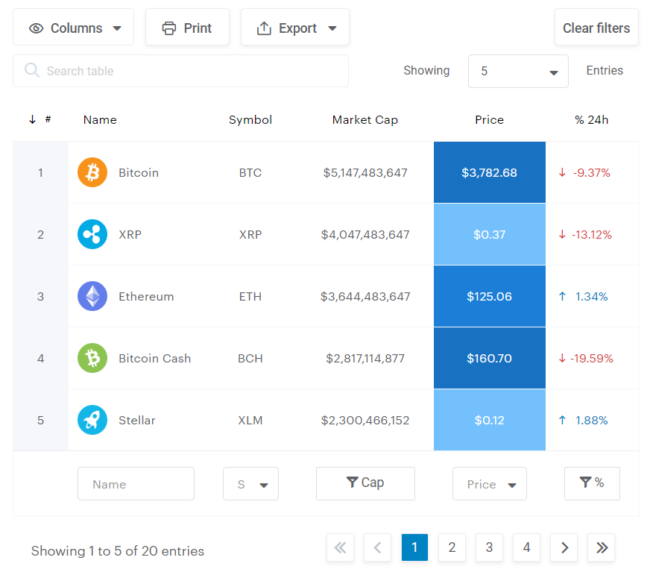
If you have data that you need to display on your WordPress website such that your site users can find what they need easily through sorting, searching, and filtering, and display/export their results, look no further than wpDataTables.  It’s easy to use for site administrators, and displays attractive and usable data for site users.

If you have a data display/management project for your WordPress website and are interested in learning more, we’d love to chat.

From Good to Great Design for Your WordPress Site

Great Design

Design on the web can seem to be changing at warp speed. Thankfully, we’ve moved beyond the worst of the worst of the beginning days of website design. But now that we’ve mostly filtered out the lowest common denominator, where do we go from here? What does stepping from good design to great design in your Wordpress site look like?

Do You Need a Website If You Have a Facebook Page?

Web Design 1953128 1280

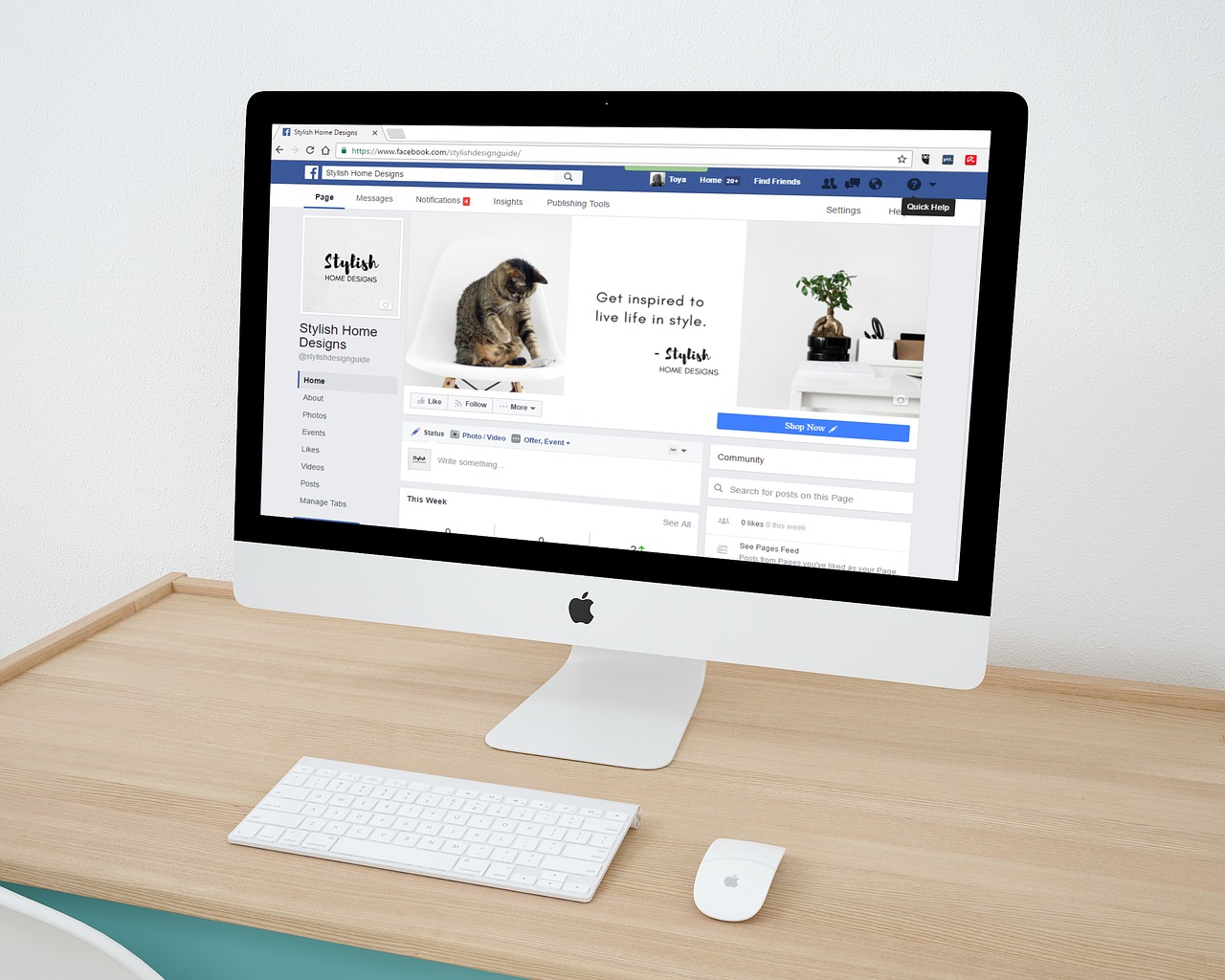
If you are one of the 80 million small businesses that have a Facebook page, you may question whether it is worth creating your own WordPress site. After all, Facebook is the third most visited website in the world with over 2 billion active users and doesn’t require any technical knowledge whatsoever to use. Why would someone bother with the expense and effort to create a standalone website? There are many reasons to do so, and relying on Facebook alone is a losing proposition.

How Gestures are Changing User Experience Design

Mobile Gestures

It wasn’t all that long ago that a WordPress site experience was ruled by the clicks of a mouse, but as time moves on, so does technology. Now a user’s experience of a site is highly shaped by the gestures of the swipe, pinch, and spread. Who would’ve thought? It’s easy to use these gestures everyday without thinking too much about it, so let’s take a quick look at what some of them are.

Maximize SEO with a WordPress Website Redesign: Essential Tips and Strategies – Website Redesign

How to Redesign a Website Without Losing SEO

Web design is a constantly changing field. What looks sleek and modern today can appear dated in a few years time. When you notice that your website is starting to look a little old-fashioned, it’s only natural to start planning a redesign.

How to Prevent Your Site’s Emails from Going to Spam – Useful Tips

Computer 3368242 1280

Virtually every website these days sends automated emails.  Whether it be for newsletter signups, Magento order confirmations, or forum posts on WordPress, your site will send out emails on a regular basis to your visitors. On occasion you may hear reports from your users that they are not receiving your site’s emails, or they are landing in their spam folders. Keep in mind that this info is coming from users who take the time to notify you directly; in reality a great number of users may be affected. Here are several techniques to eliminate your site’s emails from being marked as spam.

Getting Rid Of Gutenberg: How to Revert to the Old WordPress Editor – Gutenberg

How to Revert to the Old Wordpress Editor

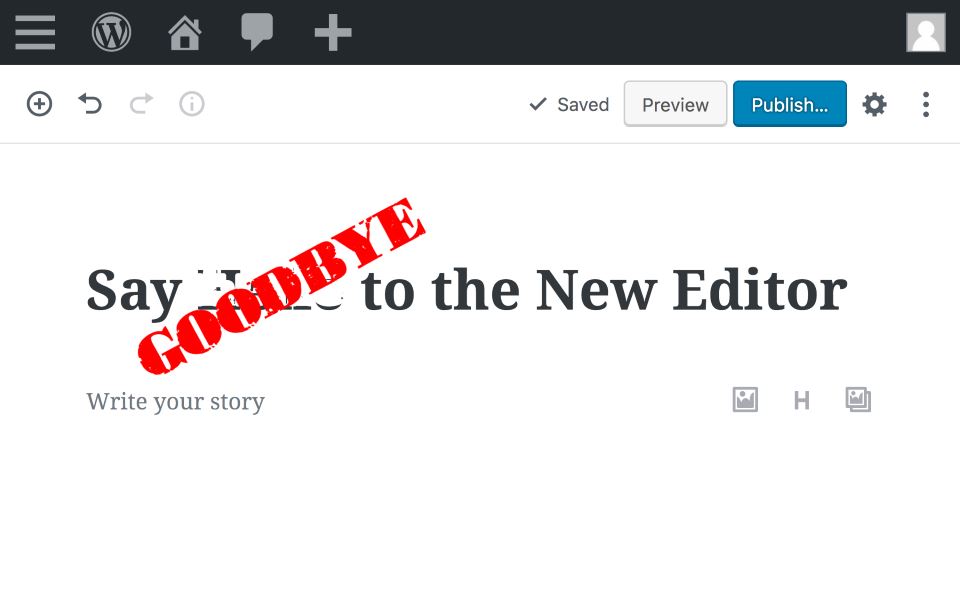
WordPress 5 is the latest major update to the internet’s most popular content management system. It is perhaps the largest change WordPress users have ever had to deal with for one reason: the new block editor, Gutenberg.Gutenberg is WordPress’s attempt to compete with up-and-coming drag-and-drop website builders like Wix and SquareSpace. These tools let everyday users build websites from the front end, where you can immediately see each and every edit exactly as it appears to your visitors.