There is a sentence I hear from nonprofits far more often than I should:
“The person who handled our website is gone, and we’re not quite sure how any of it works.”
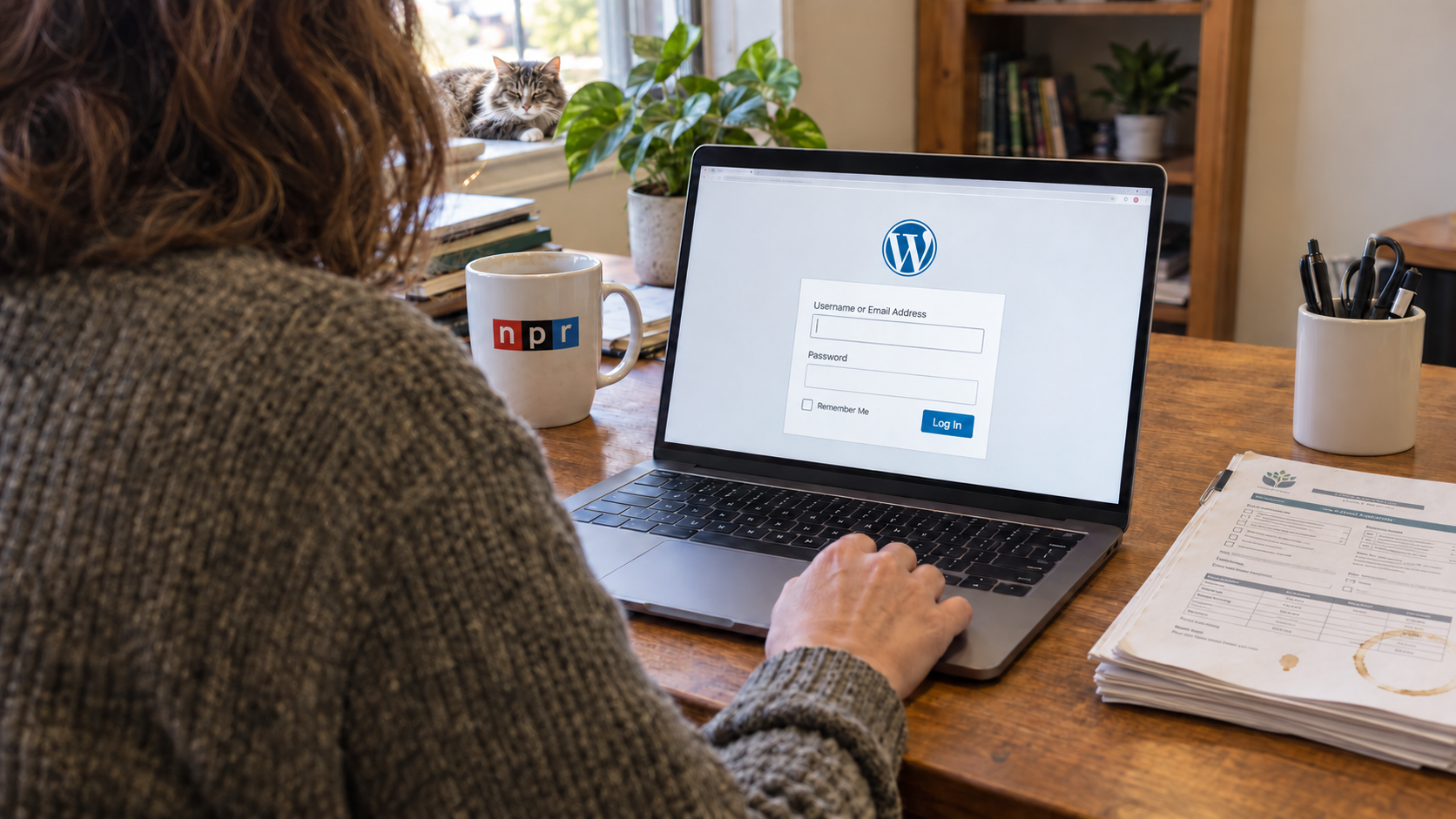
Sometimes that person was a staff member. Often it was a board member, a volunteer, somebody’s nephew, or the one person in the office who was “good with computers.” They may have done excellent work. They may have donated hundreds of hours. They may also be the only person who knows where the domain is registered, who pays for the hosting, which plugins have licenses, or how to get into WordPress.
Then they move, retire, burn out, change jobs, or simply stop responding.
Now a two-line update to the programs page feels dangerous. The donation form is sending notices to an old email address. A renewal charge appears on somebody’s personal credit card. Nobody wants to touch anything because the site is still online and, well, at least it hasn’t exploded.
I understand the instinct. But “do not touch it” is not a continuity plan.
I’ve worked with nonprofits since we started Watermelon Web Works in 2002. This situation is fixable. The immediate job is to regain control without breaking the site. The more important job is to make sure your organization never becomes dependent on one helpful person again.
The person left. What do we actually own?
A nonprofit website is not a single account. There is usually two separate problems hiding inside the phrase “we lost access”:
- Access: Can someone log in and make changes?
- Ownership: Does the organization control the accounts, billing, and recovery methods that keep the website alive?
You can have WordPress administrator access and still not control your website.
For example, the former volunteer may have registered the domain through a personal account. Your hosting may be inside a developer’s reseller account. Premium plugin licenses could belong to the person who built the site. Backups may exist, but only inside a hosting account nobody can reach.
WordPress access matters. The domain, however, is the address people use to reach you. Hosting is where the site lives. DNS tells the internet where the website and email should go. Those three things should not be treated as minor technical details.
If you are trying to determine whether your nonprofit truly controls its website, I would start with these six assets:
- The domain registration account
- DNS management
- The web hosting account
- At least one current WordPress administrator login
- Website backups stored somewhere the organization can access
- Paid theme, plugin, form, donation, and security service accounts
Every one of those accounts need an organizational owner, even if a volunteer or agency handles the daily work.
Do not start by resetting every password
When a former website manager becomes unreachable, the natural response is to start changing passwords. Sometimes that is exactly right—especially if the departure was contentious or you have reason to believe an account is at risk.
But a fast, unplanned lockout can create a second emergency.
The domain account might also control DNS for your email. A plugin may connect to a payment processor. A form integration may authenticate through the former manager’s account. Changing or deleting the wrong thing can interrupt donations, email delivery, event registration, or services your team did not realize were connected.
So I begin with inventory, not demolition.
Make a list of what you can access, who appears to own it, which email address receives password resets, and whose card pays the bill. Save screenshots or invoices that establish the organization’s relationship to each account. If the former website manager is still cooperative, ask for a scheduled handoff rather than a loose pile of passwords sent by email.
Then make changes in a deliberate order:
- Secure the organization-controlled email account that will receive account recovery messages.
- Confirm control of the domain registrar and DNS.
- Confirm hosting ownership and create a current, restorable backup.
- Create individual WordPress accounts for the people who need them.
- Review connected services before removing old users or credentials.
- Update billing, recovery methods, and two-factor authentication.
That sequence is not universal. Websites can be strange little ecosystems, especially after ten years and four different developers. But the principle holds: understand the dependencies before you pull wires out of the wall.
“The website is in their account” is not a dead end
This is usually the moment when an executive director calls me.
The organization has paid for the website. Its name and content are all over it. Yet the domain or hosting account belongs to somebody else, and nobody knows whether that person will respond.
Neither of those answers are good enough: “It’s probably fine,” or “We need to rebuild the entire site immediately.”
First, gather evidence. Old invoices, credit-card statements, contracts, emails with the developer, renewal notices, and screenshots can all help establish what was purchased and for whom. Contact the registrar or hosting company and ask for its account-recovery or ownership-dispute process. Providers have different requirements, and they may not simply hand an account to whoever asks most convincingly.
At the same time, preserve what you can. If the public website is available, capture the content. If anyone still has WordPress or hosting access, make a full backup before taking risks. A WordPress site includes both files and a database; copying the visible pages is useful, but it is not the same as having a complete WordPress backup.
In many cases we can recover control or migrate the website into accounts owned by the nonprofit. Sometimes a rebuild really is necessary—but I do not use “rebuild it” as a reflex. Nonprofit budgets have better things to do than pay twice for work that can be safely preserved.
Your nonprofit should own the keys—even when someone else drives
I am not suggesting that every executive director personally manage DNS records or run plugin updates. Please don’t, unless you genuinely want that job.
Ownership and responsibility are different.
Your organization should own the essential accounts. A staff member, volunteer, or WordPress support company can be granted the access needed to do the work. This is much like owning a building while giving trusted people keys. The locksmith should not own the building because they installed the lock.
I recommend using an email address controlled by the organization for primary ownership and recovery. Avoid tying essential accounts to a volunteer’s personal Gmail address, even when that volunteer is wonderful and has been with you for fifteen years. People’s circumstances change.
Do not share one universal admin password either. WordPress has roles and capabilities for a reason. Give each person an individual login with enough access to do their work, but not automatically enough access to change plugins, add administrators, or damage the site by accident. When someone leaves, their account can be disabled without changing the password for half the organization.
This is safer. It is also kinder. Nobody should have to wonder whether a mistake made under a shared login will be attributed to them.
The real fix is a boring, usable handoff document
I like good documentation. I do not like documentation that takes longer to understand than the system it describes.
Your website handoff document does not need to be a 47-page technical manual. In fact, if it is, nobody will keep it current. I would rather see one concise document that answers these questions:
- Where is the domain registered?
- Who manages DNS?
- Where is the website hosted?
- Who is responsible for WordPress maintenance and security?
- Where are credentials stored?
- Where are backups stored, and has anyone tested a restore?
- Which paid licenses or services renew each year?
- Who receives form, donation, security, and uptime notices?
- Who should be contacted when something breaks?
Do not put the actual passwords in a shared Google Doc called “Website Passwords.” Use a reputable password manager, require individual access, and keep account-recovery methods current.
Review this information at least once a year and whenever a website manager, executive director, communications employee, or key volunteer leaves. Put the review on the calendar. Memory is not a system, and institutional memory tends to walk out the door at the least convenient time.
Build the WordPress dashboard for the people you actually have
A successful handoff is not just about credentials. The next person also needs to understand how to update the site without fear.
Many nonprofit WordPress websites have an editing problem disguised as a training problem. Staff are shown a dashboard full of plugins, custom fields, page-builder controls, alerts, and unlabeled content types. Then they are given a recorded two-hour training and told they can manage the site themselves.
Technically, perhaps they can.
In practice, if publishing a new board member or changing an event date requires twelve careful steps, updates will be delayed. Eventually the website stops reflecting the organization. That hurts visitors, search visibility, and trust—but it begins as a very ordinary workflow problem.
I would rather configure WordPress around the updates your team actually makes. Programs. Events. Staff. Board members. Alerts. Stories. Each should have a clear place, sensible fields, and guardrails that protect the design. The dashboard should not require someone to become a part-time web developer.
That is one of the reasons I continue to recommend WordPress for nonprofits. WordPress can be shaped around an organization’s real work. But that flexibility only helps when somebody takes the time to make the editing experience coherent.
A volunteer can be invaluable without becoming a single point of failure
I want to be clear about this: the problem is not volunteers.
We have worked with remarkably capable volunteer webmasters. Many small nonprofits would not have a functional website without them. The problem is allowing goodwill to substitute for structure.
A healthy arrangement can still give a trusted volunteer meaningful responsibility. It simply adds a few protections:
- The nonprofit owns the core accounts.
- At least two authorized people know where access is stored.
- Each user has an individual login.
- Backups do not depend on one person’s laptop or cloud account.
- Renewals and responsibilities are documented.
- There is a clear path to outside help when the problem exceeds the volunteer’s time or expertise.
This protects the organization. It also protects the volunteer from becoming permanently on call for a system they generously agreed to help with once.
If you are already locked out, start here
Do not wait for the next renewal, plugin failure, or urgent homepage change.
Write down the access you have today. Identify the email addresses and payment methods attached to the domain, hosting, WordPress site, donation system, forms, backups, and premium software. Preserve a backup before making broad changes. Then choose one person to coordinate the recovery so five well-intentioned people are not contacting providers and changing credentials at the same time.
If the technical pieces are unclear, that is a perfectly reasonable time to ask for help. A good WordPress partner should be able to tell you what is urgent, what can wait, what can be recovered, and what the organization needs to own going forward.
We help nonprofits regain control of WordPress websites that have become confusing, fragile, or too dependent on one person. We can audit the accounts and infrastructure, recover or migrate what is salvageable, simplify the editing experience, and establish an ongoing WordPress maintenance plan that does not quietly become somebody else’s unwanted second job.
If your website is currently held together by one person’s memory, tell me what you still have access to. We’ll help you find the safest next step.